


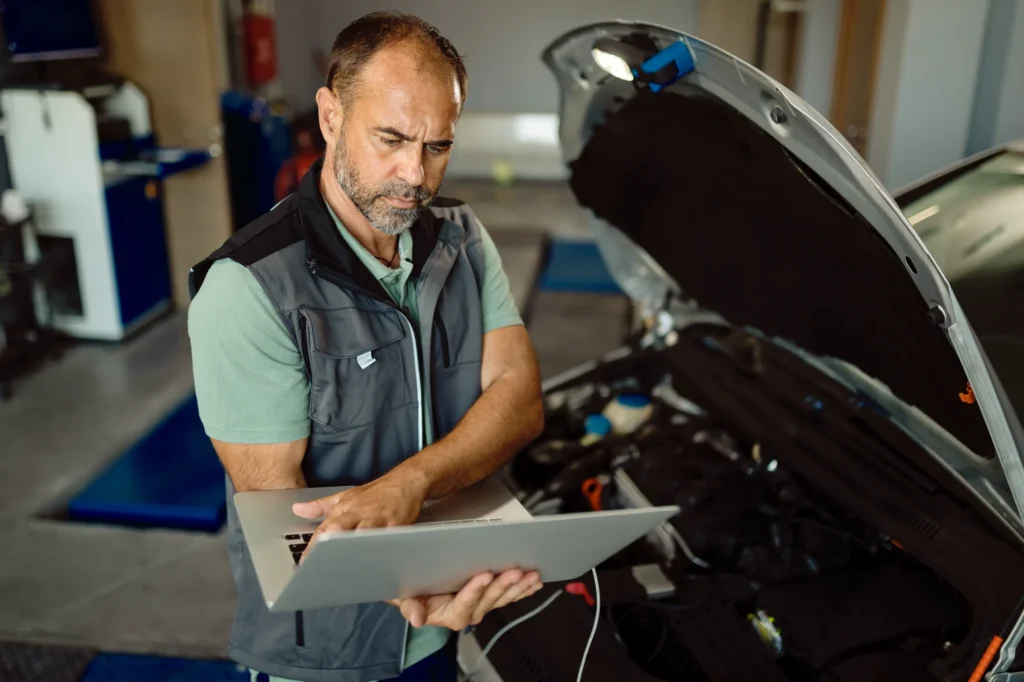
Most workshop owners start looking at mechanic workshop software at the same point: the day the diary, the whiteboard and the accounting package stop agreeing with each other. A booking gets taken twice. A part gets ordered for a job that was cancelled. An invoice goes out with yesterday’s labour rate on it.
The trouble is that every system on the market describes itself in almost identical language. Streamlined. Integrated. Purpose-built. None of that tells you whether it suits a three-bay shop or a twelve-bay one, or whether it will handle the tyre side of your business as well as the mechanical side.
These are the questions worth asking before you sit through a single demonstration.
What does mechanic workshop software actually do?
It replaces repeated manual entry with a single entry. You take a customer’s details once, and from that point every quote, job card, invoice, receipt and reminder draws on the same record.
That sounds minor until you count how often the same information gets rewritten in a week. A phone booking goes in the diary, then into the job card, then into the accounting system, then onto the invoice. Four entries, four chances to get it wrong. One of them eventually will be wrong, and the cost of that is a customer conversation you did not want to have.
How is it different from a job-card system?
A job-card system records the work. Workshop software connects the work to everything around it.
With a job card alone, you still handle stock, ordering, invoicing and customer contact separately. With workshop software, selling a part moves inventory, posts to the invoice and updates the accounts without anyone retyping anything. The job card is one part of a larger system rather than the whole of it.
If you are weighing up mechanical workshop software against a cheaper job-card tool, this is the distinction that matters most. The cheaper tool is not a smaller version of the same thing. It solves a narrower problem.
What should a small or medium workshop look for?
Three things, in this order: how much of your existing process it changes, who sets it up, and what happens when something breaks on a Tuesday morning.
Workshop owners rarely have time to run an implementation project, so what matters is whether the supplier does it for you. COSTAR is set up by a Microhouse implementation and transition team, with training delivered both in-house and online, and a national support team reachable from 6 am to 7 pm Monday to Friday.
The second question people underestimate is who is on the other end of the phone. Anything marketed as the best mechanical workshop software in Australia still has to be answerable by a person when a job is sitting on the hoist. Software that works perfectly until it doesn’t is still a problem if nobody picks up.
How do you compare the way systems handle repair orders?
Ask each supplier to walk a real job through, start to finish, rather than showing you the feature list.
Take a job you did last week. Quote, approval, parts ordering, the extra work found on the hoist, the customer approval for that extra work, the invoice, the payment. Ask how many separate screens that takes and how many times the same detail gets entered.
The differences between systems show up in the awkward parts of a job, not the clean ones. Any system handles a straightforward service. The question is what happens when the job changes halfway through.
Do tyre and mechanical workshops need different software?
The market is split. Some systems are sold as tyre and wheel software, others as general mechanical workshop software, and the two are marketed to different buyers.
That split matters because the two sides of the work make different demands. Tyre fitting turns on stock depth across sizes and getting fitment right for the vehicle. Mechanical servicing turns on job history, logbook schedules and parts ordering. Strength in one does not tell you anything about the other.
So if you do both, ask any supplier directly how their system handles the side of your business it is not primarily sold for, and have them show you rather than tell you.
This is where COSTAR sits differently. It was built for tyre and automotive businesses together rather than adapted from one to the other. Its supplier integrations cover both sides of the work, and tools like the COSTAR Rego Checker and Digital Vehicle Inspections are used across either.
Before you book a demonstration
Write down the three jobs that cause the most rework in your workshop now, and ask every supplier to show you those three on their system, with your numbers. If compliance is part of your thinking, we covered what applies and what doesn’t in our guide to automotive workshop software in 2026.
See how COSTAR handles a workshop running both tyre and mechanical work. Book a demonstration or call 1800 819 984.
